
From design approved to build-ready.
No more redrawing or manual translation. Transform coordinated Plant 3D and Revit models into fabrication-ready spools, assemblies, and work packages.
Drawing or Receiving. Stratus Has You Covered.
Plant 3D Publisher
Publish straight from the Plant 3D ribbon. No exports, no translation step, no rework.
PDF Import
Working from PCFs or ISOs? Convert them to PDF and import your fabrication documentation directly into Stratus.
Auto-generated spool packages: part counts, assembly counts, parts lists, cut lists, and bend lists.
Optimize material and send parts straight to the shop’s cutting and nesting tools.
Print labels and track spools through containers and shipping.
A full audit trail from design to install, so proving compliance takes no extra effort.
Real-time status on every spool and package, from queue to install.
Custom reports and dashboards, with an open API for reporting and integrations.
Spooling
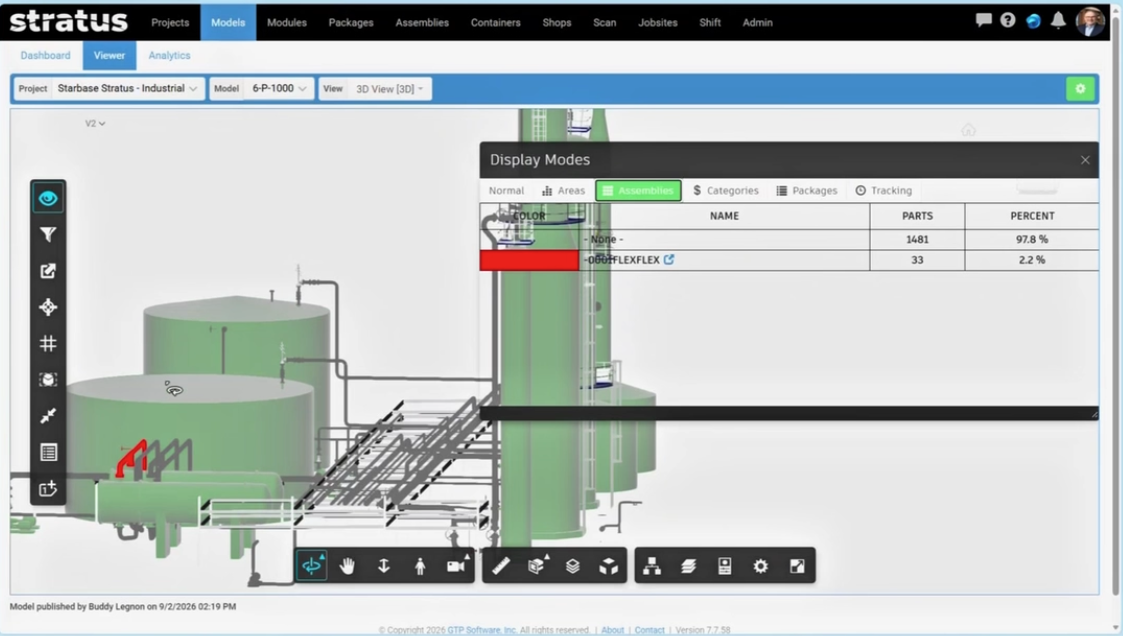
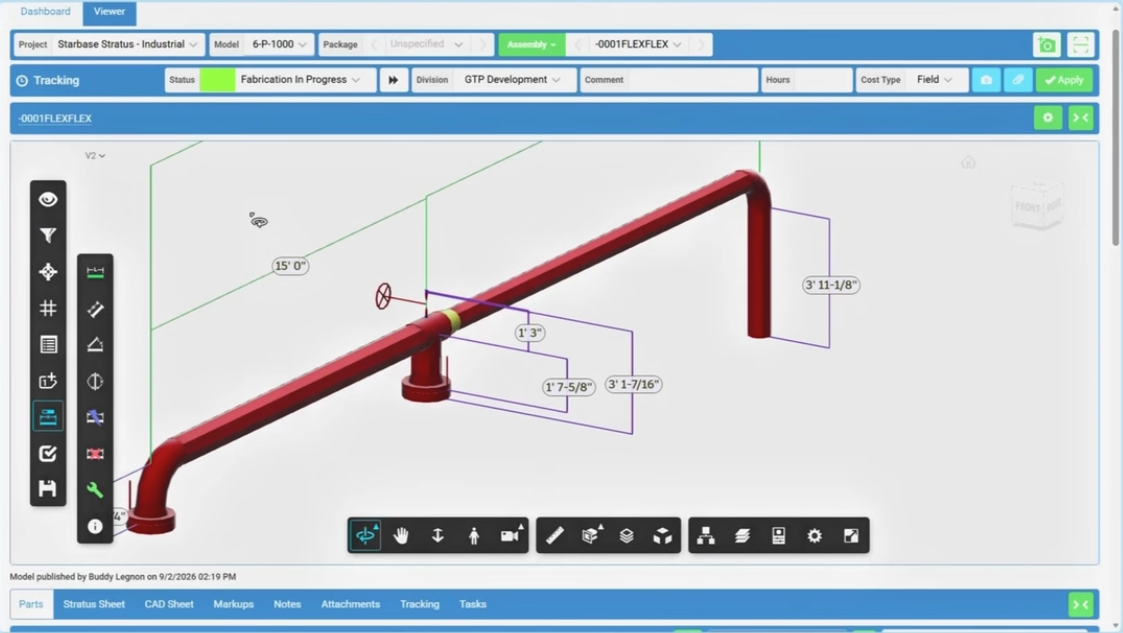
No more email chains for spool approval. Choose your field joints and see exactly how the fabrication will appear at the job site. Auto-tagging and auto-dimensioning keep line numbers, ratings, and BOM data intact from model to shop.
Assembling & Joining
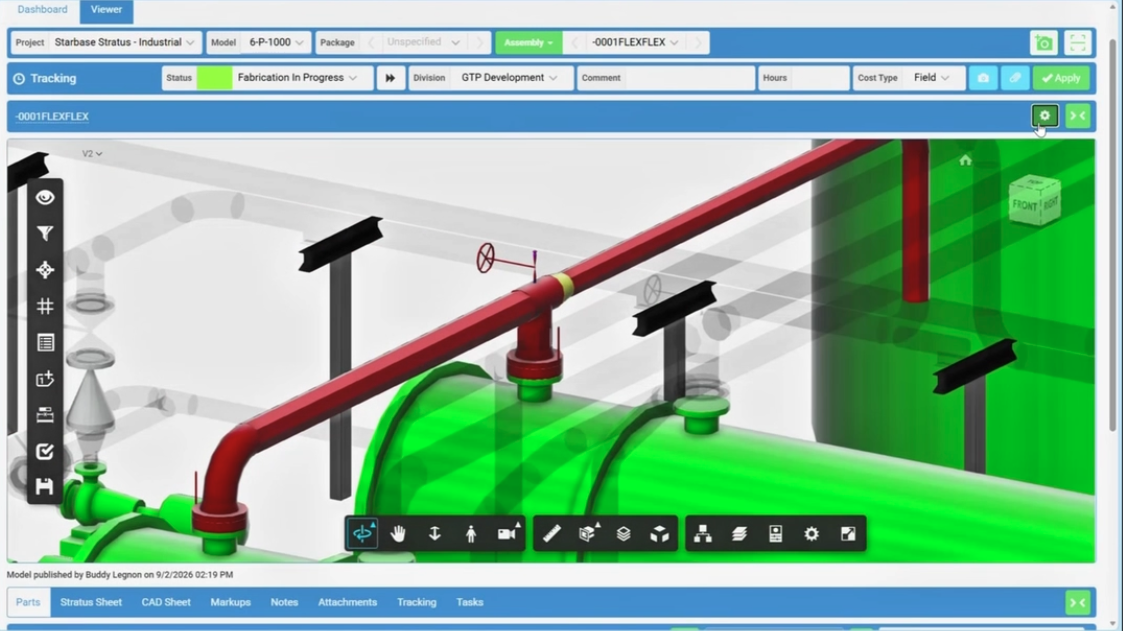
Shop crews work straight from the model. Assembly stations go fully digital. Crews pull dimensions, branch locations, and O-let information directly from the spool. No PDFs, no shop drawings, no re-keying weld data by hand.
Shipping & Containers
Every package, tracked to the container. Group spools and packages together and, using Stratus labels and scanners, assign them to a shipping container (a cart, a pallet, or a truck) with a QR-scannable chain of custody.
FAQ
Do I need to change how I design in Plant 3D to use it?
No. The goal is to connect your existing Plant 3D CAD software and data to Stratus as-is, not to change your design workflow.
Which versions of Plant 3D does it work with?
Plant 3D Publisher works with Plant 3D 2025 and newer.